
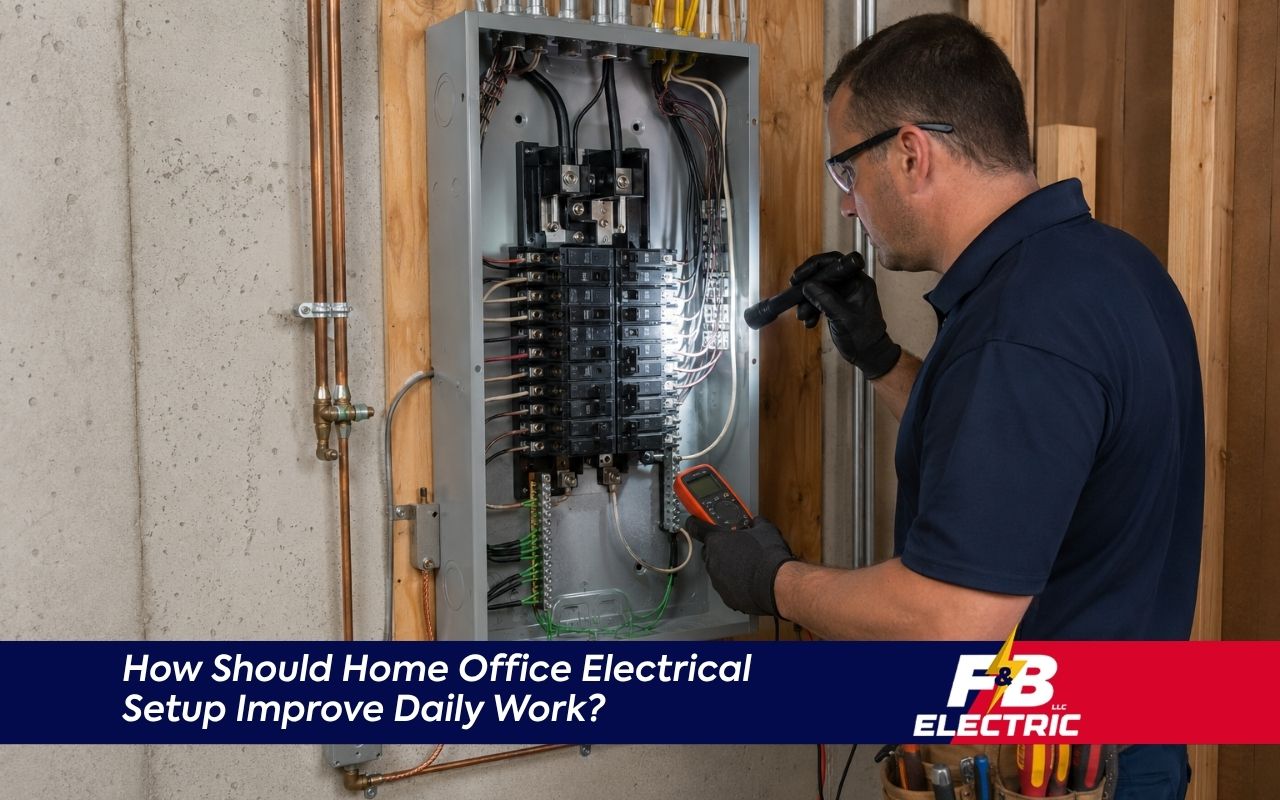
Too many plugs around a desk can turn a simple workday into a safety concern. If your Maryland home office depends on crowded power strips, loose outlets, or one overloaded circuit, it may be time to plan safer power. Contact our team when your workspace needs better support before small problems interrupt your day.
How Should Home Office Electrical Setup Improve Daily Work?
Home office electrical setup should improve daily work by giving computers, lights, chargers, and internet equipment safe, steady power. A good setup reduces cord clutter, supports device protection, and helps prevent overloaded outlets during long workdays.
Planning power for a home office includes checking outlet placement, circuit capacity, grounding, surge protection, and device needs. Homeowners who use computers, monitors, printers, routers, and task lights need a setup that solves overload risks and keeps work equipment easier to use. For safer local planning, a Residential Electrician in Columbia MD can review the workspace before upgrades begin.
Home Office Electrical Setup Supports Safer Daily Productivity
A safer workspace starts with outlets, wiring, and protection that match how you work each day. When your devices have enough safe power, you spend less time moving cords and more time using your office with confidence.
Many home offices grow slowly. First comes a laptop. Then comes a monitor, printer, phone charger, desk lamp, router, and backup drive. Each added device increases your home office outlet needs, especially when everything runs for hours.
At F&B Electric LLC, we look at how the room is used before suggesting changes. We check where your desk sits, what equipment stays plugged in, and whether any outlets feel loose, warm, or overloaded.
- Count every device used during a normal workday.
- Check whether power strips are used every day.
- Look for cords crossing walkways or hiding behind furniture.
- Note outlets that spark, buzz, or stop holding plugs.
Outlet planning should match real daily use, not just the number of open wall spaces. If your work area already feels crowded, a safer layout can make the room easier to use and maintain.
Dedicated Circuit for Office Equipment Reduces Overload Risks
A dedicated circuit for office equipment can reduce overload problems when computers, monitors, printers, and network devices run together. This option helps separate work equipment from other household loads that may already share the same circuit.
A shared circuit may also support bedrooms, hallway lights, or nearby appliances. When several rooms draw power at once, breakers may trip or voltage may become less steady. That can interrupt meetings, printing, file uploads, or router performance.
With F&B Electric LLC, you get a review of the equipment load before any circuit recommendation is made. We look at your devices, panel space, outlet needs, and how the room is used.
A dedicated circuit for office use may be helpful when the workspace includes several monitors, a desktop computer, a laser printer, or battery backup equipment. Frequent breaker trips are a warning sign that the electrical load needs professional attention.
Computer Surge Protection Shields Important Work Devices
Computer surge protection helps protect sensitive equipment from voltage spikes caused by storms, utility changes, or large appliances cycling on and off. Surge protection is especially important for computers, routers, monitors, external drives, and other work devices.
According to the Electrical Safety Foundation International, extension cords should not replace permanent wiring and should not be overloaded. That guidance matters in home offices because many people try to solve outlet shortages with temporary cords instead of safer upgrades.
Computer surge protection should be part of the whole plan, not an afterthought. A basic power strip may only add outlets. A surge protector is designed to help manage sudden voltage spikes before they reach plugged-in electronics.
- Use surge protection for computers and network equipment.
- Choose grounded outlets for proper protection.
- Replace damaged or worn power strips.
- Avoid plugging one strip into another strip.
Our team at F&B Electric LLC helps homeowners understand when outlet upgrades, grounding checks, or surge protection improvements make more sense than adding another strip under the desk. Device protection starts with safe wiring behind the wall.
Better Outlet Placement Keeps Work Areas Easier Organized
Better outlet placement keeps cords shorter, reduces clutter, and makes daily charging easier. A workspace works better when plugs are close to the devices they serve and not hidden behind heavy furniture or stretched across walking paths.
Outlet location matters as much as outlet count. A desk against one wall may need power near the floor, above the desktop, or near shelving. A printer area may need a separate outlet so it does not crowd the computer station.
For homeowners comparing options, Upgrading Electrical Outlets can be a useful next step when older outlets feel loose or no longer support modern work needs.
Clear cord paths reduce trip hazards and make the room look cleaner. Better placement can also reduce the habit of hiding strips under rugs, behind drawers, or under piles of paper.
Maryland Wiring Choices Strengthen Safer Long-Term Office Plans
Maryland wiring choices should reflect the home’s age, room use, and safety needs. Home office wiring tips in Maryland often start with grounding, outlet condition, circuit load, and whether planned upgrades need professional review.
Older homes may have outlets that were not designed for today’s remote work equipment. Two-prong outlets, loose receptacles, or worn wiring can limit safe surge protection and make device use less reliable.
With F&B Electric LLC, we check visible warning signs and explain what the next safe step may be. We may look at outlet condition, panel labeling, grounding, and whether the office shares power with heavy household loads.
- Grounded outlets support safer modern device use.
- Loose outlets should be repaired or replaced.
- Office wiring should match the expected equipment load.
- Professional review helps avoid unsafe shortcuts.
The National Fire Protection Association explains that power strips and similar devices have safety limits for placement and use. Permanent wiring is safer than long-term cord workarounds when a room needs more power access.
Simple Service Steps Prepare Your Office Upgrade
A clear service process helps homeowners know what happens before work begins. When you contact us, we ask about your office devices, current outlet layout, circuit concerns, and any warning signs you have noticed.
After that first conversation, we review the best way to inspect the workspace. The goal is to understand your home office outlet needs before recommending outlet upgrades, grounding work, surge protection, or a dedicated circuit for office equipment.
- Share your office location and main devices.
- Tell us about tripped breakers, warm outlets, or cord issues.
- We inspect visible outlet and wiring concerns.
- Before work begins, we explain safe options clearly.
- Once complete, we help you understand the changes made.
When customers contact F&B Electric LLC, we focus on practical guidance first. The first inspection step helps prevent guesswork, especially when several devices depend on the same workspace every day.
Frequently Asked Questions
How do I know if my home office needs more outlets?
You may need more outlets if you rely on several power strips, unplug one device to use another, or have cords running across the room. For safer planning, review Upgrading Electrical Outlets before adding more devices.
When should I consider a dedicated circuit for my office?
Consider a dedicated circuit when your office uses a desktop computer, multiple monitors, printer, router, or backup power equipment. A dedicated circuit may also help when breakers trip during normal work use or when the office shares power with other rooms.
What happens if I skip computer surge protection?
Without computer surge protection, voltage spikes may damage computers, monitors, routers, and storage devices. For added device planning, Surge Protection for Home Electronics in MD explains safer protection options for Maryland homes.
Why is grounding important for a home office?
Grounding gives unwanted electrical current a safer path away from people and equipment. Many surge protectors also need a grounded outlet to work correctly, so older or damaged outlets should be checked before relying on them for office electronics.
How do I start planning safer office wiring?
Start by listing your devices, noting outlet locations, and checking for warning signs like warm plates, buzzing, or frequent breaker trips. You can also speak with a Residential Electrician in Columbia MD for safer next steps.
Plan Safer Power Before Work Interruptions Grow
A safer office is easier to use, easier to organize, and better prepared for daily work demands. At F&B Electric LLC, we can review your setup, explain practical options, and help you choose the right next step. To begin, Contact Our Team for clear guidance.